

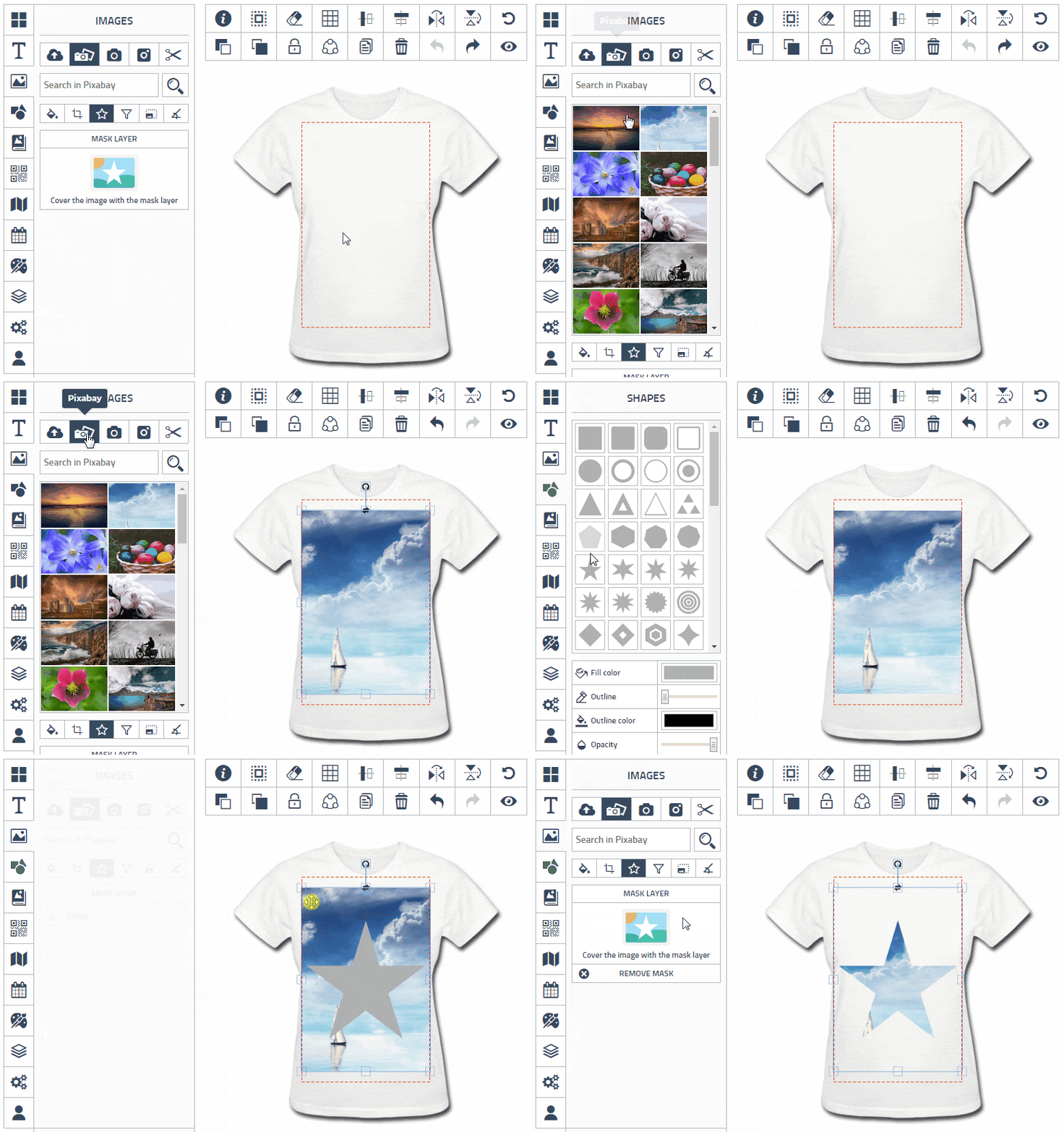


& By clicking on these icons, you can add logos, clipart, and images to your design. If you wish to view more clipart, simply click the 'More Cliparts' button. Once you have found the desired clipart, download it to your PC and insert it into your design.
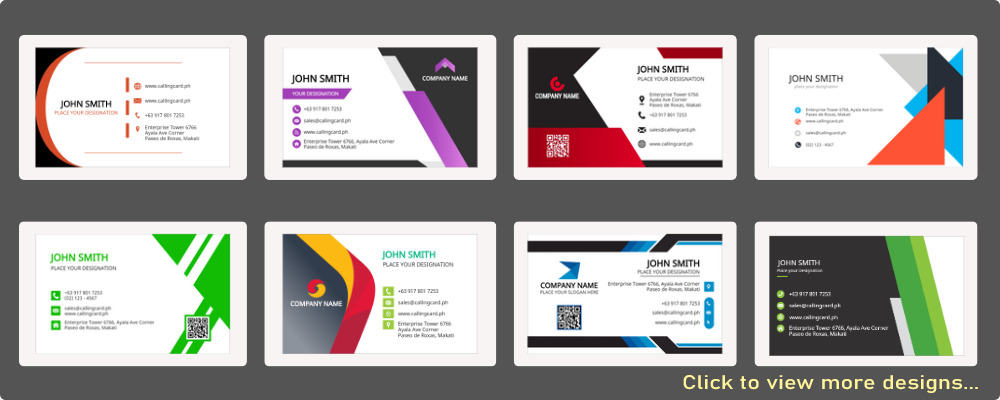
By clicking on this icon, you can easily switch to other readily available design templates, alleviating the need for you to spend too much time coming up with your own design ideas.
T Clicking on this icon will provide you with the option to select from various font styles, including Korean, Japanese, and Chinese, which can enhance the quality of your design.








































Note!! QR codes are not always legible. Try it before continuing.
Note!! Make sure the map match with you address.



























































































































































































































































































































































































































































































































Note!! You must login to access your designs.


[html_block id="70307"]